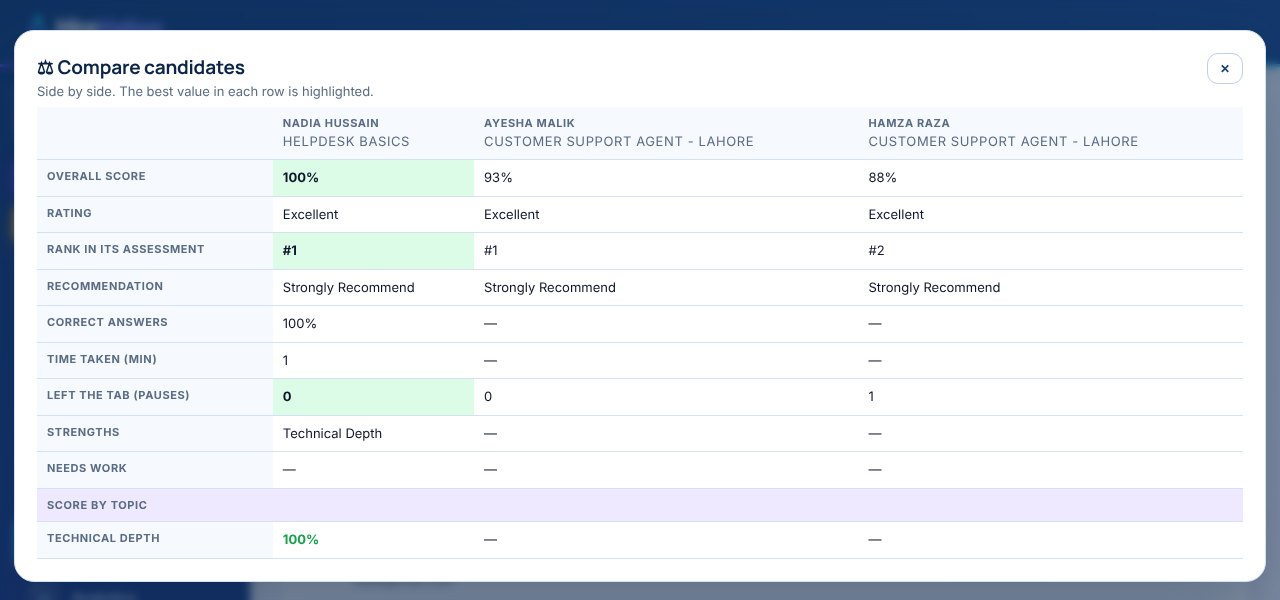
Test real work, with the same rules for everyone.
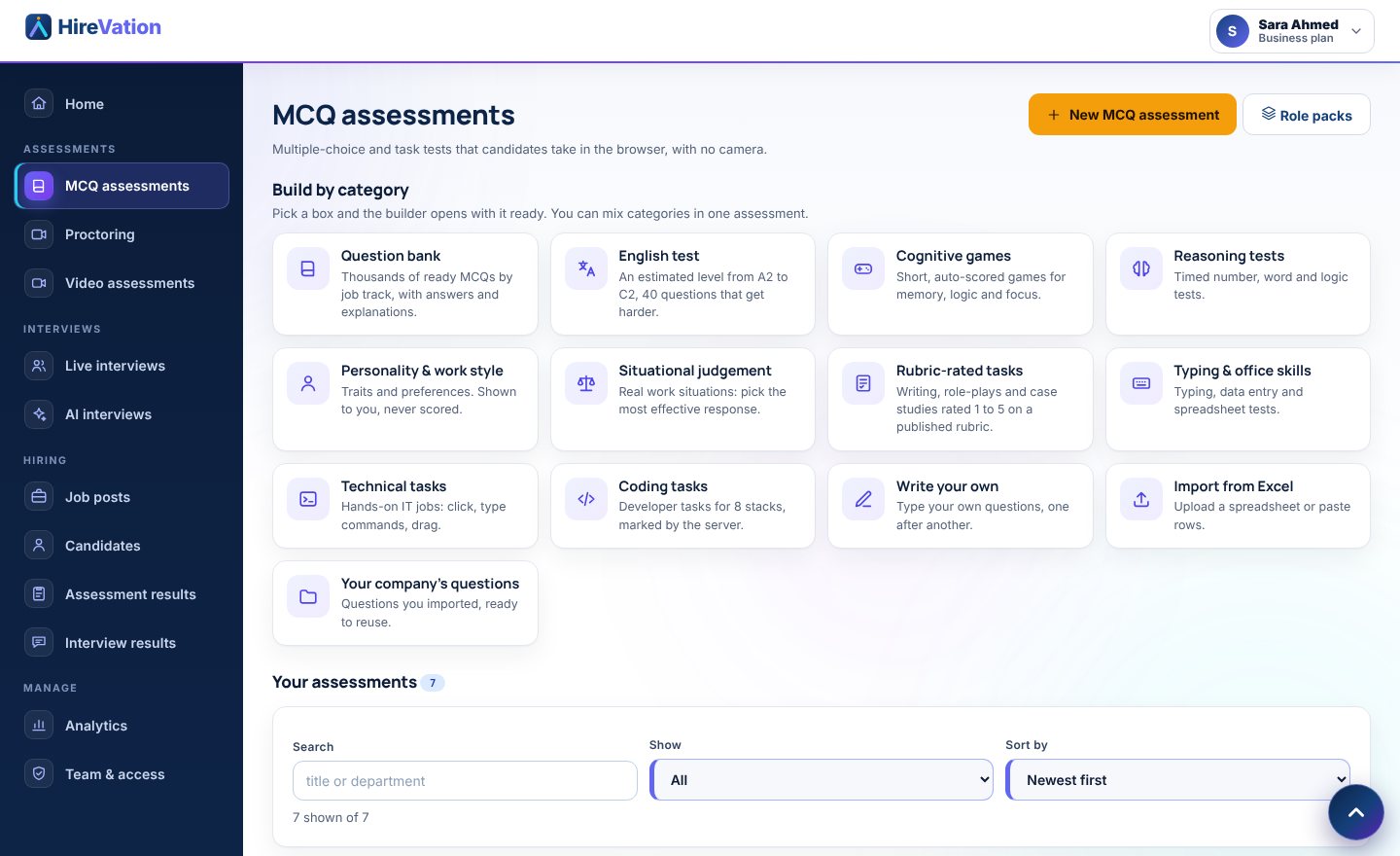
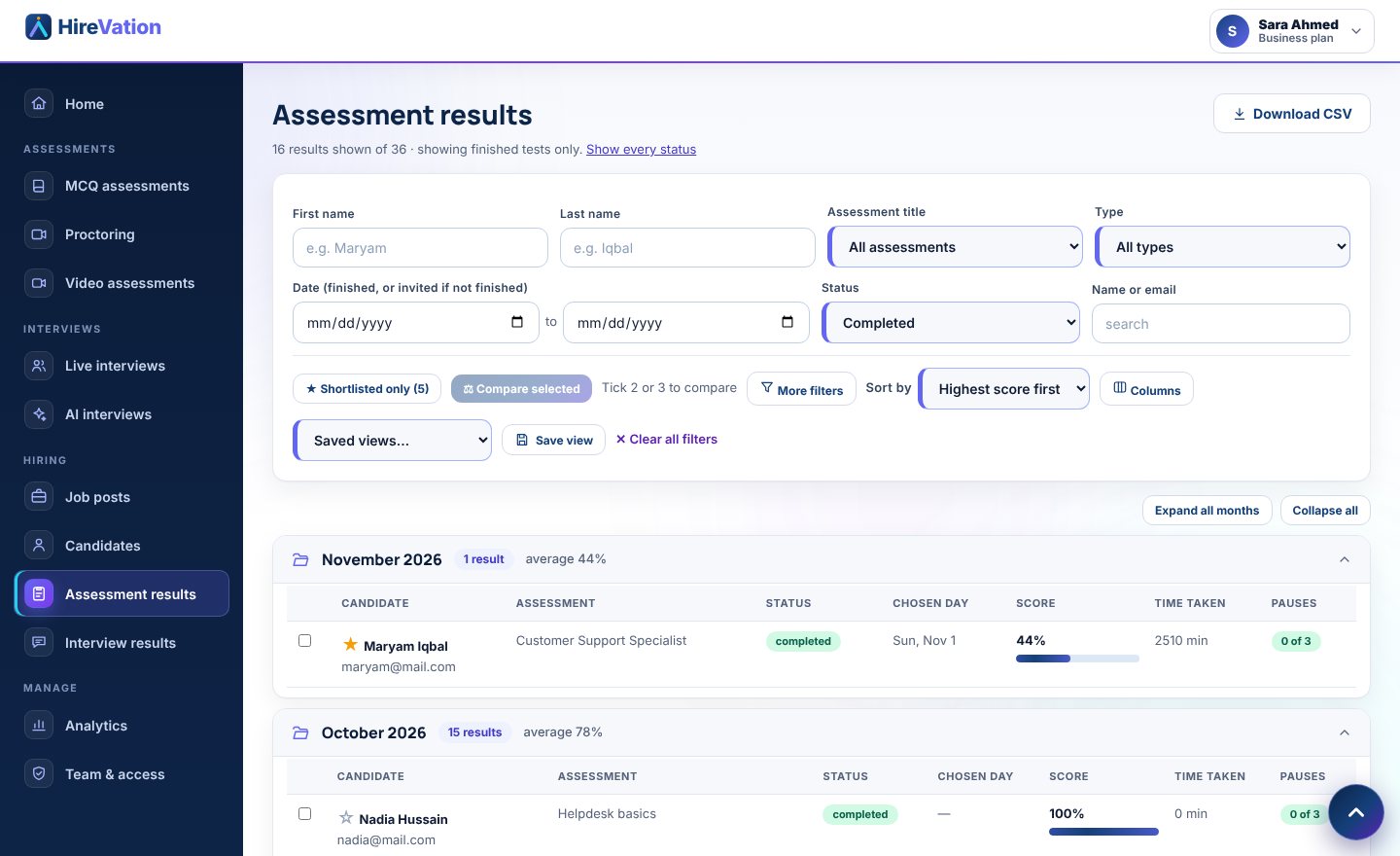
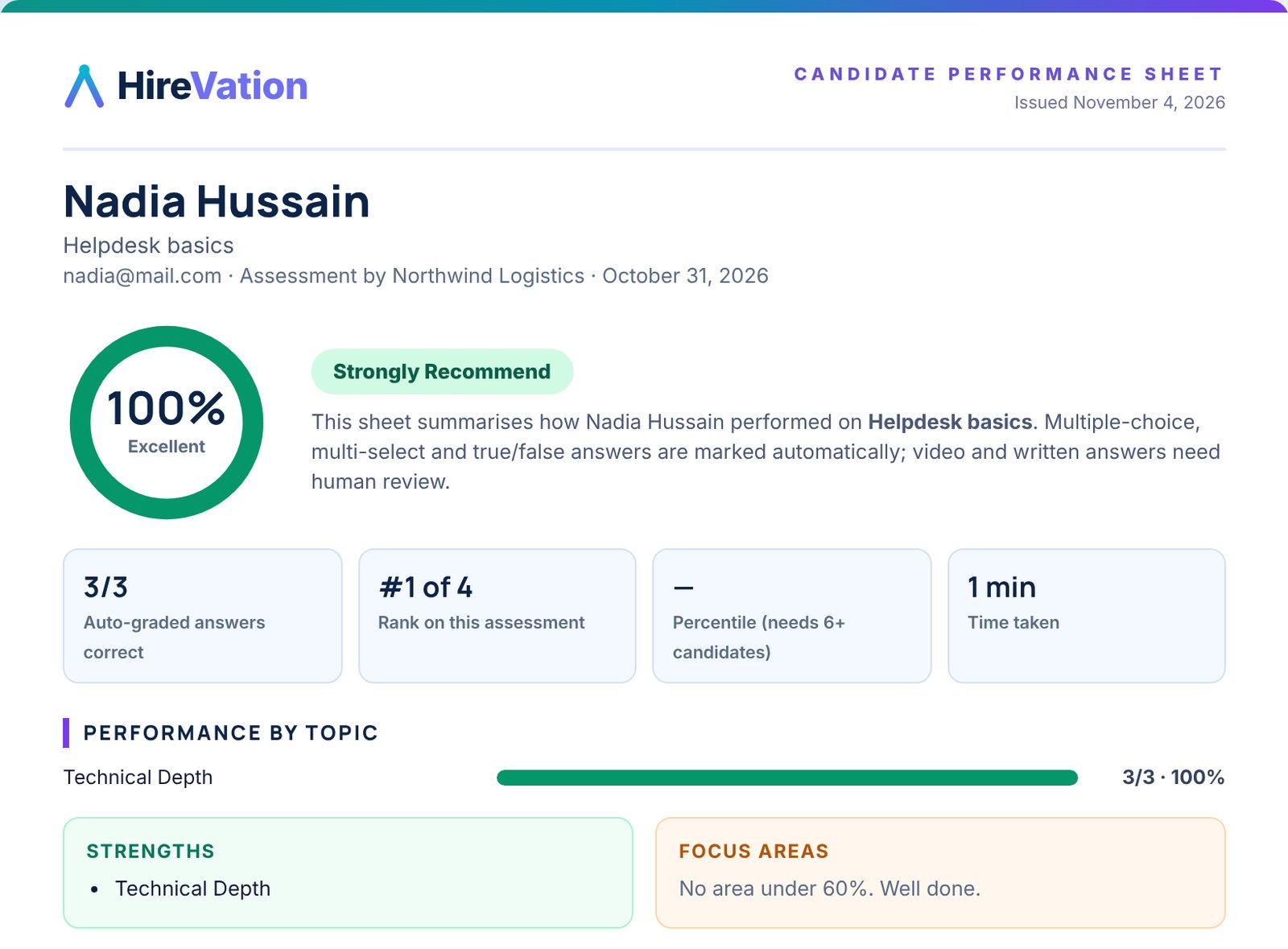
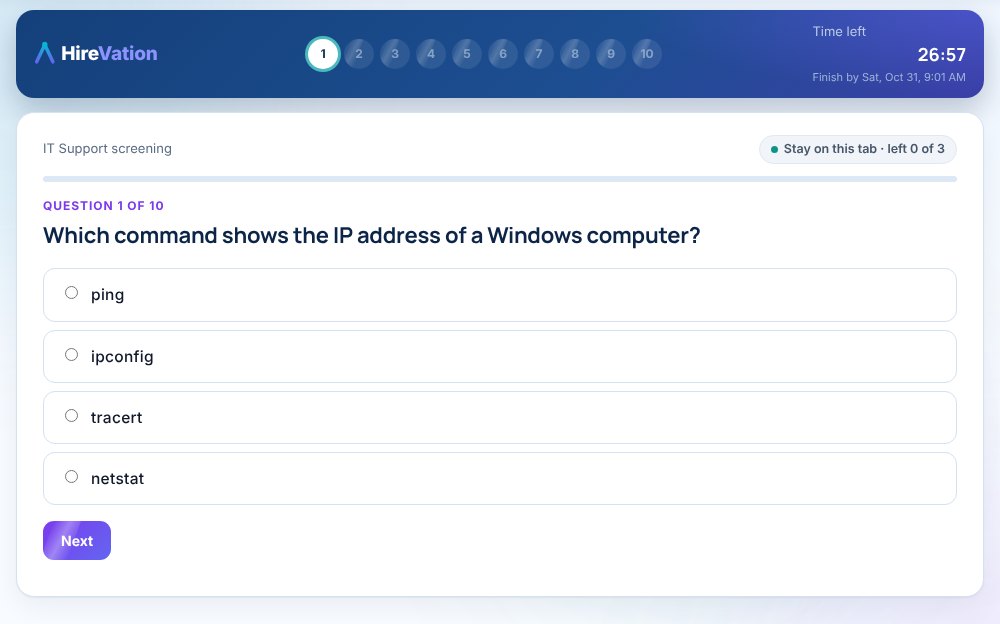
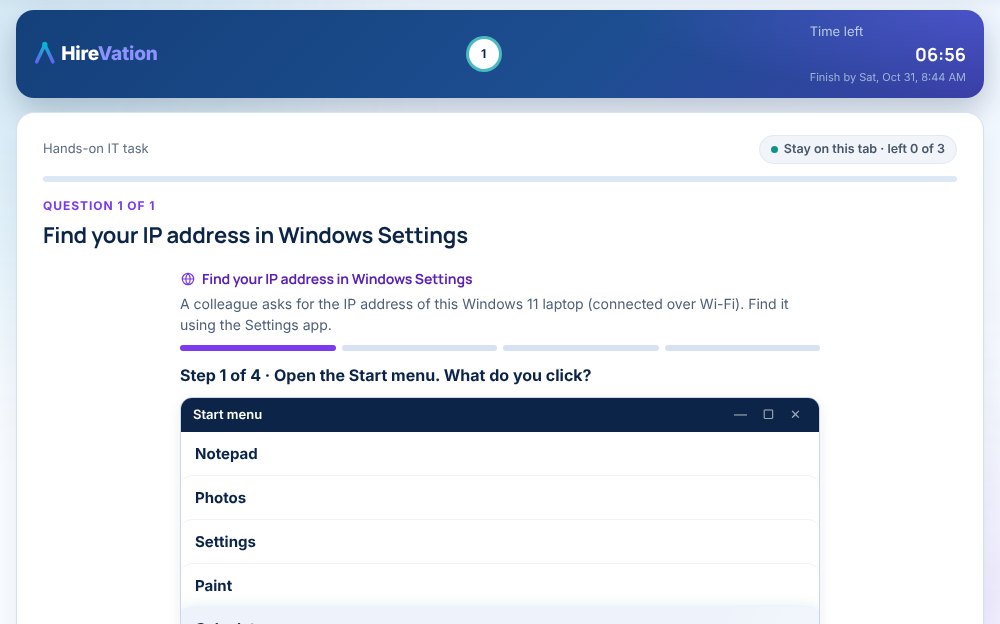
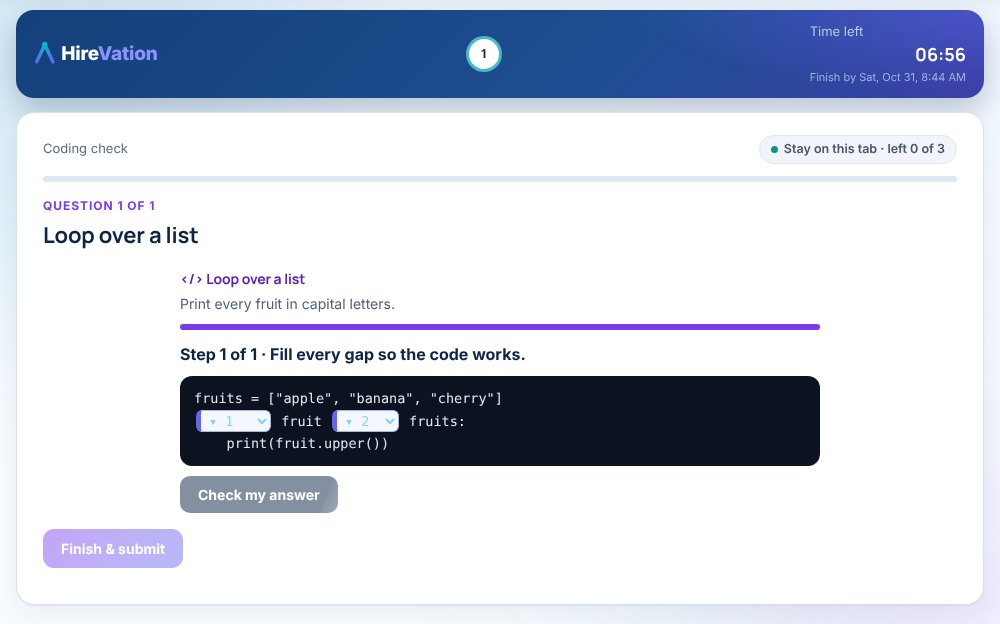
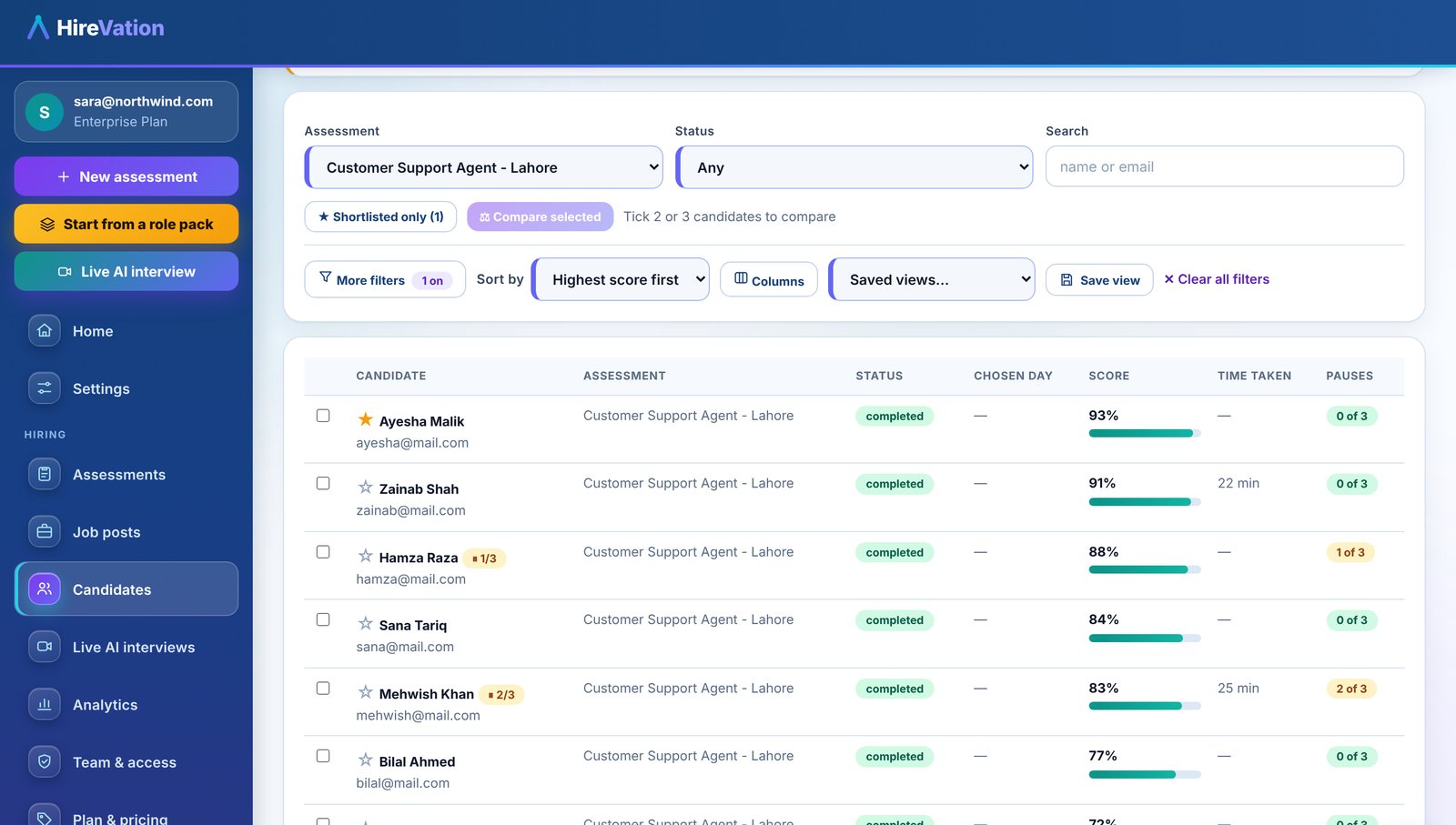
Send one link from a role pack. Candidates do real work: questions, hands-on IT tasks, coding, games and role-plays. Proctoring checks the tab, the screen and the camera, and marking happens on the server.
Or take a 4-minute sample yourself: six test types, then the AI interview room →Real work, not just a quiz
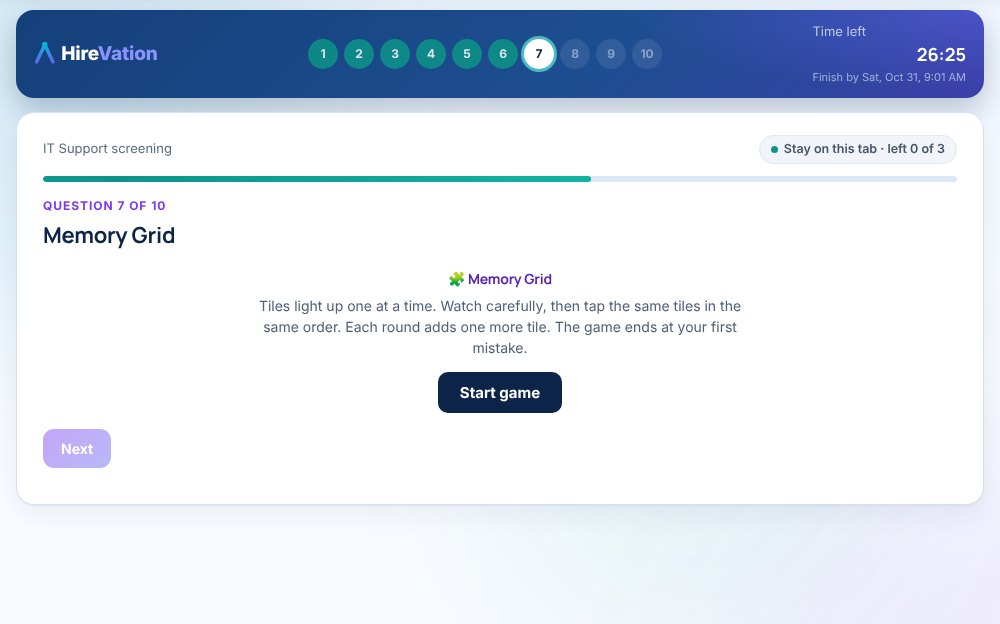
Mix any of these in one assessment. Each demo below plays exactly how it works for the candidate, one clean screen at a time; you see everything they did.
Knowledge
- Multiple choice
- Multi-select
- True or false
- Rating scales
- Written answers
- Your own questions
- Import from Excel
- Your company library
Hands-on
- Windows command line
- Linux terminal
- Network settings
- Browser settings
- Hardware and systems
- Troubleshooting
- Drag and drop
- Coding tasks
- Write and run real code
- SQL queries
Skills lab
- Numerical reasoning
- Verbal reasoning
- Logical reasoning
- Situational judgement
- Personality and work style
- Typing test
- Data entry
- Spreadsheet formulas
- In-tray exercise
- Case studies
- Work samples and pitches
- Role-plays
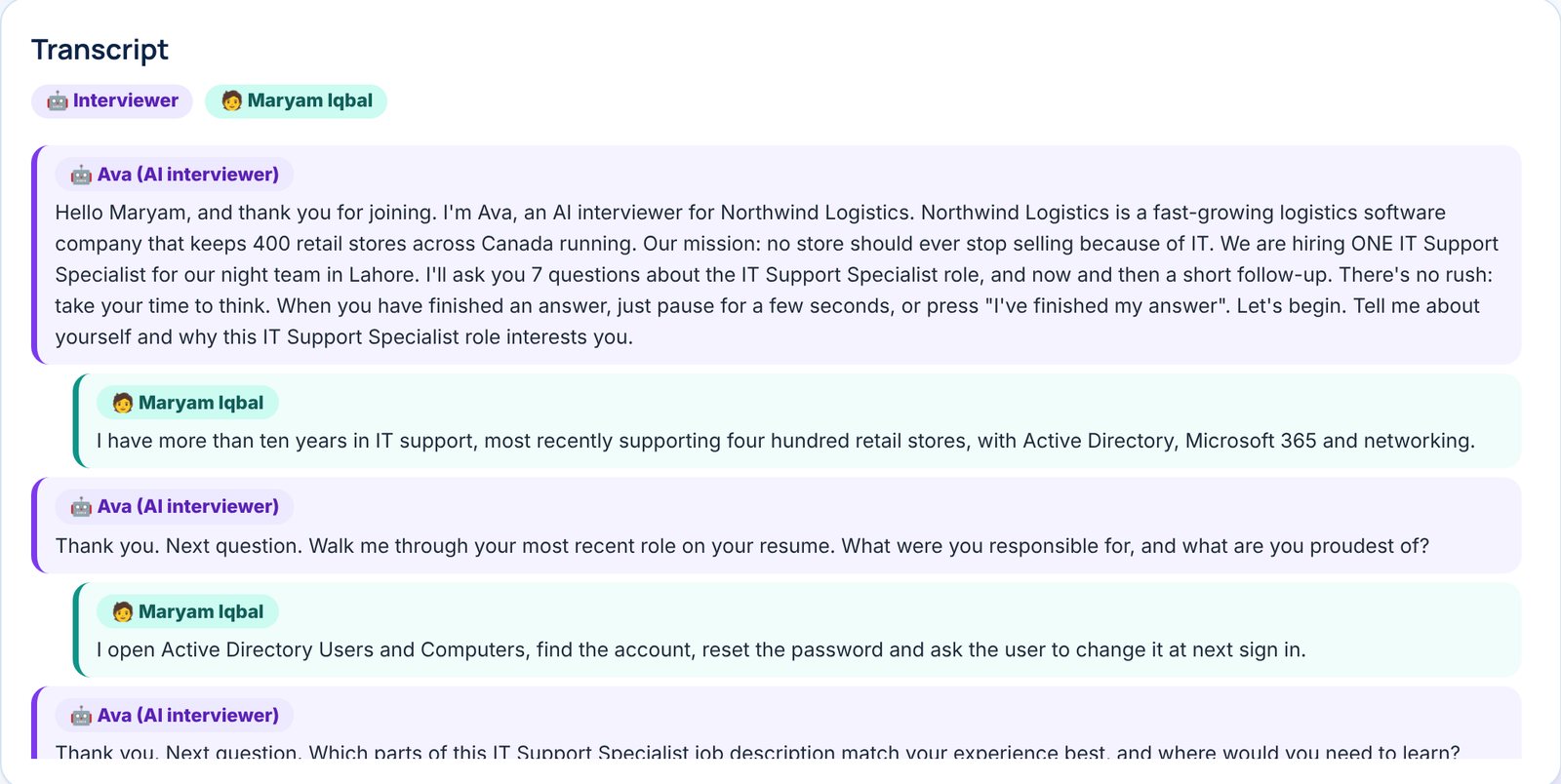
- Behavioural interview
Language
- English level (40 questions, adaptive)
- Writing
- Speaking
- Listening
Games
- Memory Grid
- Reaction Speed
- Number Series
- Colour Focus
- Quick Maths
- Letter Match
- Spot the Q
- Rule Switch
Interviews
- One-way video
- Live video interview
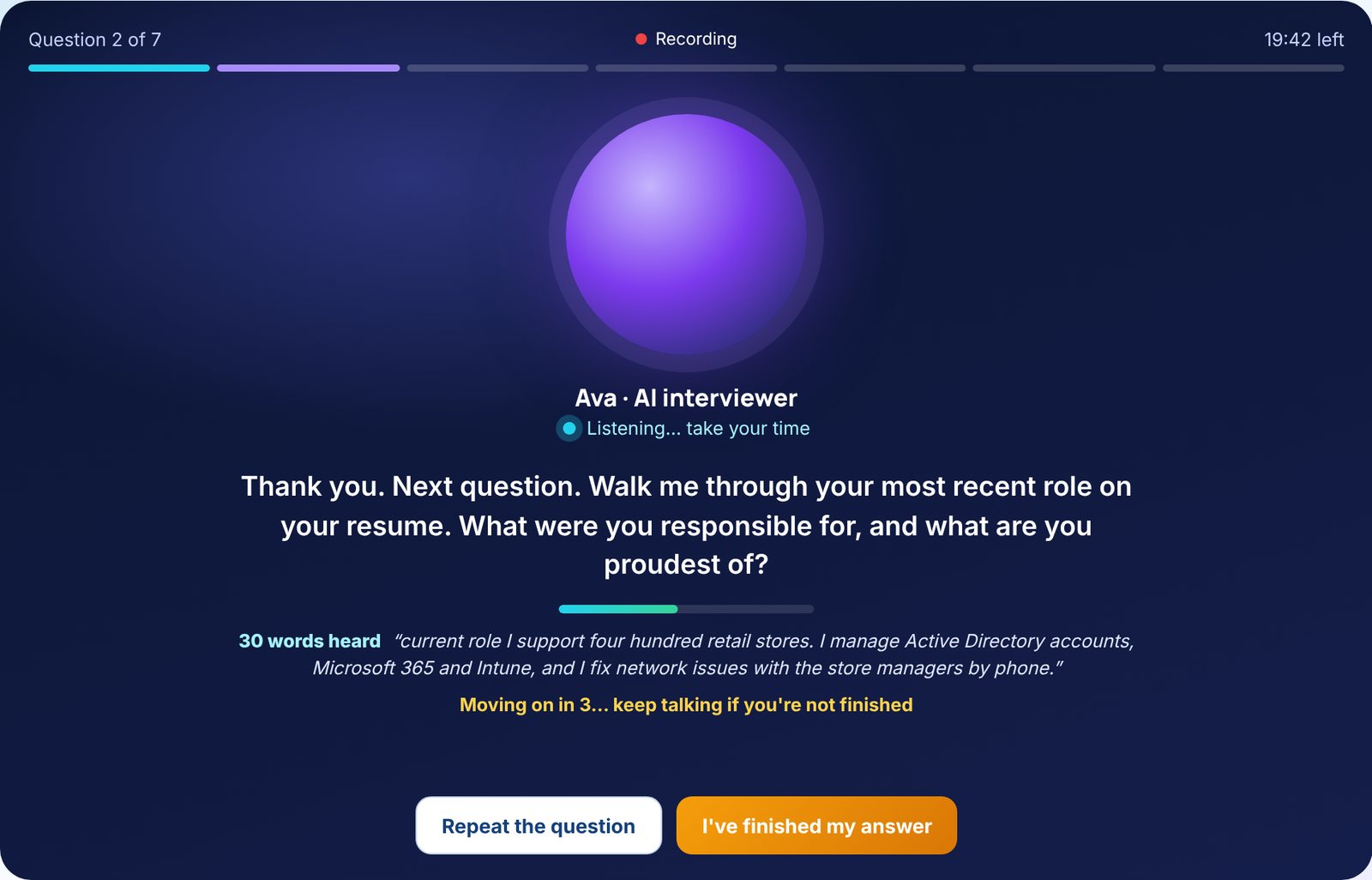
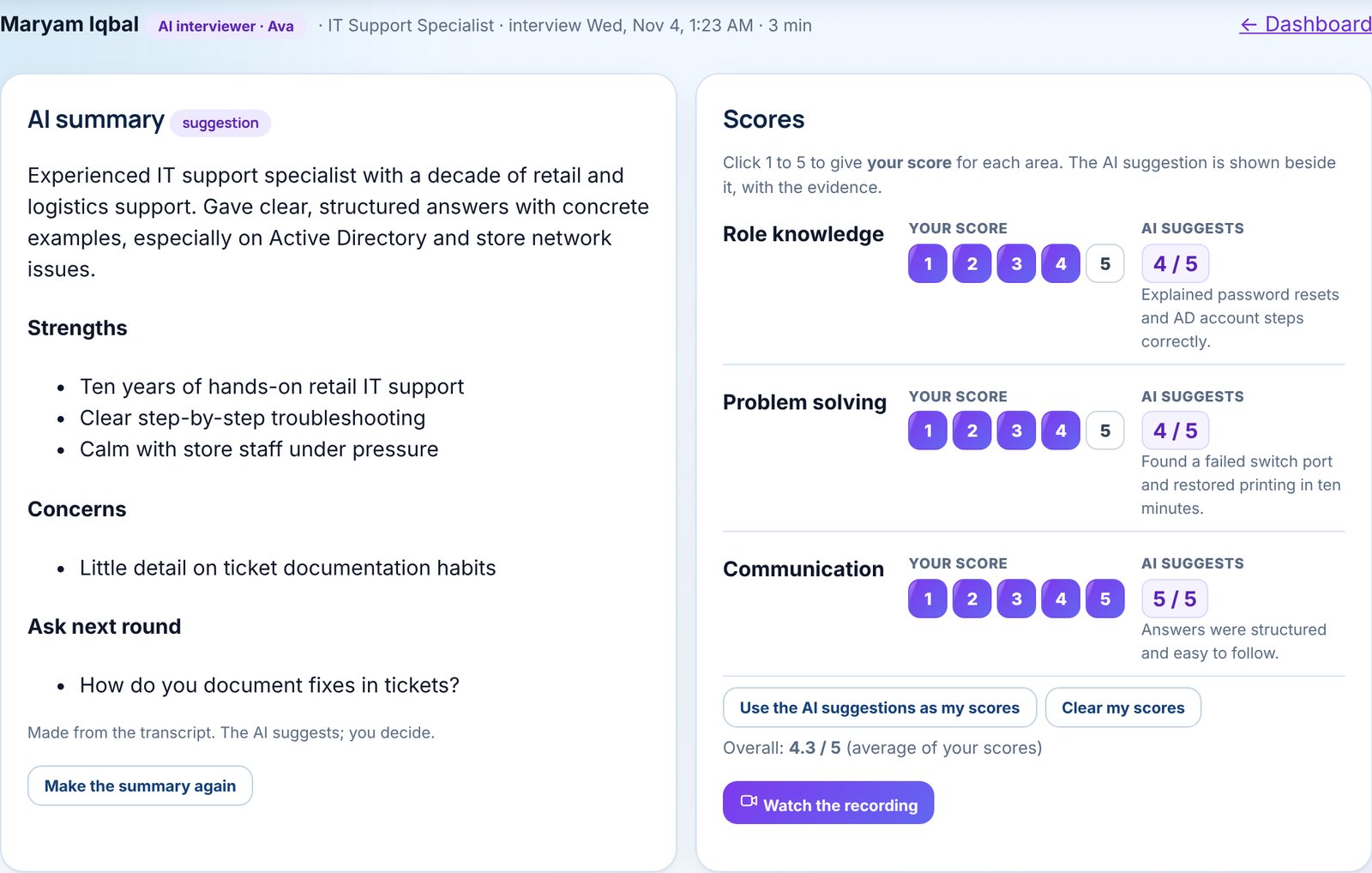
- AI interviewer
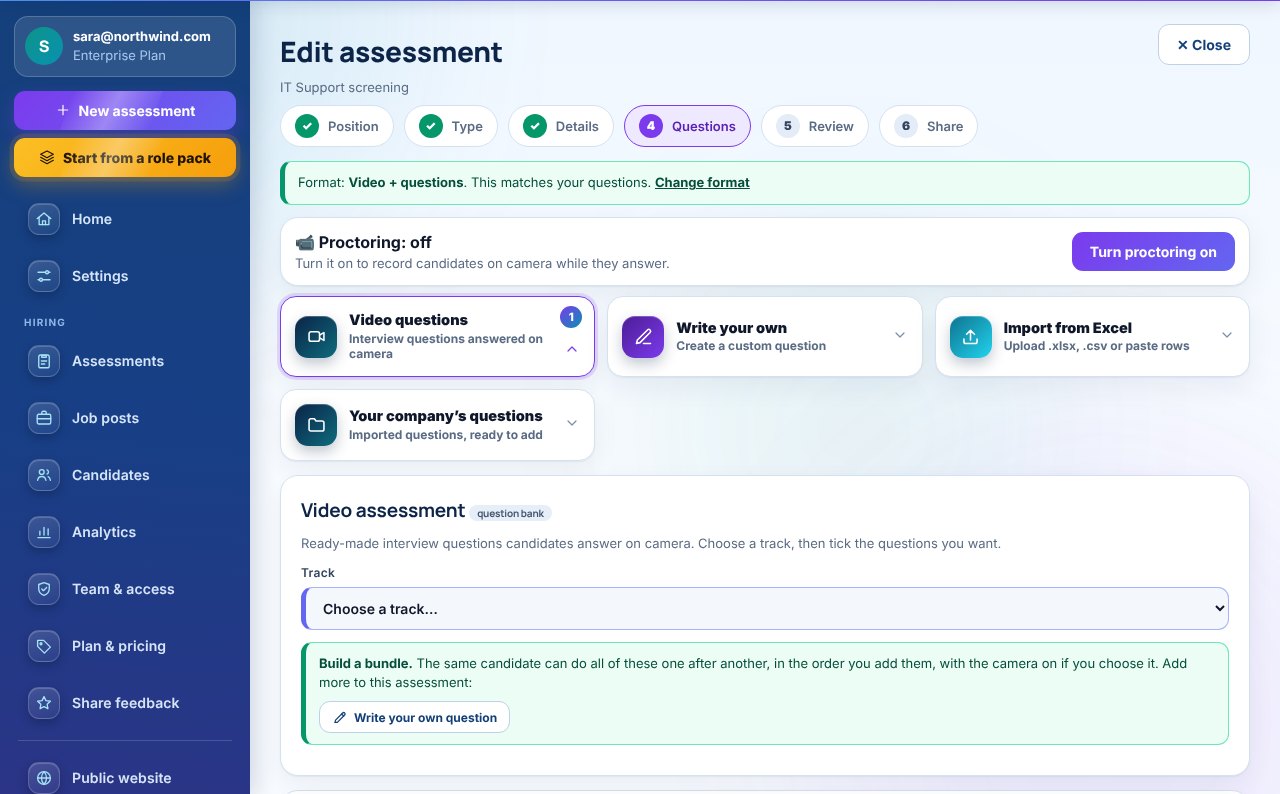
- Proctoring (camera on)
Real code, run and marked. Proctored or open.
Candidates write a working program in Python, JavaScript, TypeScript, Java, Kotlin, Scala, C#, C, C++, Go, Rust, Swift, Ruby, PHP, R or Bash, or a SQL query. They run it on the examples, then it is marked on hidden test cases that are different for every candidate. Add it to any skills test, with the camera on or off.
Start screening in a few clicks
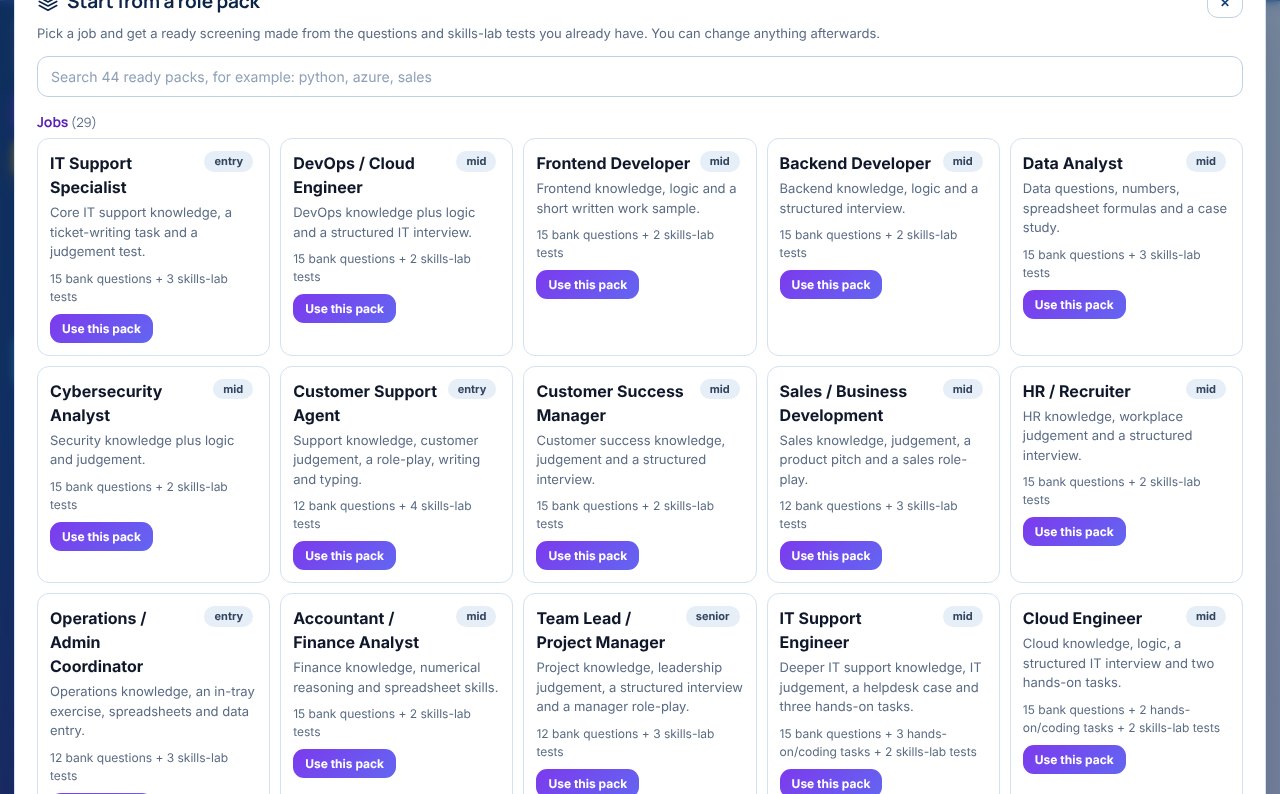
Pick a ready role pack, each with bank questions and hands-on tasks, or build from the question bank. Change anything afterwards.
1 · The role
2 · The level
3 · Interview
Browse every skill track, and what each one covers
Loading the tracks…
Results you can trust
Turn on camera-on proctoring for any assessment. Candidates are told what is checked before they start, and you see every event, with its time and length.
Integrity report · what you see
A second monitor that extends the desktop (HDMI, USB-C or wireless) is detected. The test pauses until it is unplugged. A screen that only mirrors the first cannot be detected by any browser.
First time: a warning. Second time: back to question 1. Over your limit: the test ends.
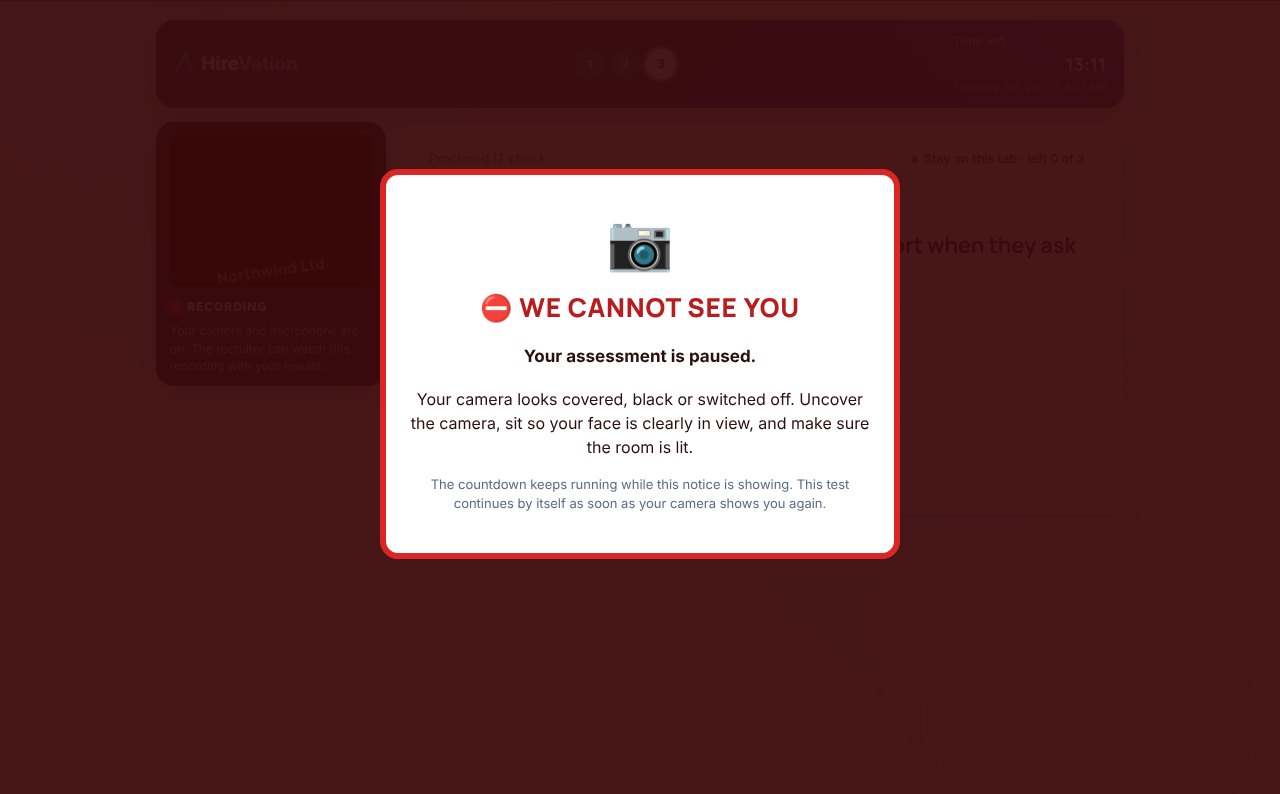
Camera covered, black, switched off, or no face in view: the test pauses and the event is saved with how long it lasted.
A photo at the start and an optional full-session recording, so you know who took it.
Open links ask the candidate to confirm their email with a one-time code. Proctored tests run in Chrome or Edge only.
Answer keys and marking never reach the browser, so they cannot be read from the page.
All question times merge into one countdown. Saved answers cannot be changed.
Candidates tick every rule before they start, so nobody can say they were not told.
See HireVation with your own roles
A short demo: we build an assessment for one of your open jobs, live.